Everyday creation
Nano Banana 2
Start from text or upload references. Explore new concepts, product scenes, and everyday image edits.
- Up to 14 references
- 1K, 2K & 4K output
Your next idea starts here
Turn a creative brief into images. Explore product visuals, character concepts, and focused edits with a prompt or a reference image.
Nano Banana 2.5 is coming soon. Create today with Nano Banana 2 or Nano Banana Pro.
Choose an available editor for your next project, or explore what comes next.
Start from text or upload references. Explore new concepts, product scenes, and everyday image edits.
Build detailed compositions and refine your visual direction with prompts, references, and focused changes.
Explore new ways to create and edit images. Prepare your prompts and creative briefs while you follow updates.
Compare image quality, creative control, and workflows across the Nano Banana models to find the right fit for your next project.
| Feature | Nano Banana 2.5 | Nano Banana 2 | Nano Banana Pro |
|---|---|---|---|
| Positioning | New AI Image Generator | Best Overall Balance | Professional Image Creation |
| Image Creation Speed | ⚡ Expected to Be Very Fast | ⚡ Very Fast | ◉ Slower |
| Image Quality | ★★★★★ Expected Upgrade | ★★★★★ Excellent | ★★★★★ Professional |
| Prompt Understanding | ★★★★★ Expected Improvement | ★★★★☆ Advanced | ★★★★★ Advanced |
| Image Editor | ✓ Expected Advanced Editor | ✓ Advanced | ✓ Professional-Level |
| Subject Consistency | ★★★★★ Expected Improvement | ★★★★★ Excellent | ★★★★★ Excellent |
| Text Rendering | ★★★★★ Expected Improvement | ★★★★★ Excellent | ★★★★★ Excellent |
| Complex Compositions | ★★★★★ Expected Improvement | ★★★★☆ Excellent | ★★★★★ Best for Complex Tasks |
| Creative Control | ★★★★★ Expected Improvement | ★★★★☆ Advanced | ★★★★★ Studio-Level |
| Best For | Next-Gen AI Image Creation | Everyday Creation & Fast Iteration | Complex Professional Work |
Why choose us
Nano Banana 2.5 brings a more capable AI image generator and editor, with precise local changes, stronger consistency across edits, lower latency, realistic lighting, and production-ready results.
Upload a reference and describe a specific change, such as a new jacket or a different object. Include the details you want to keep so your prompt gives the image editor a clear direction.
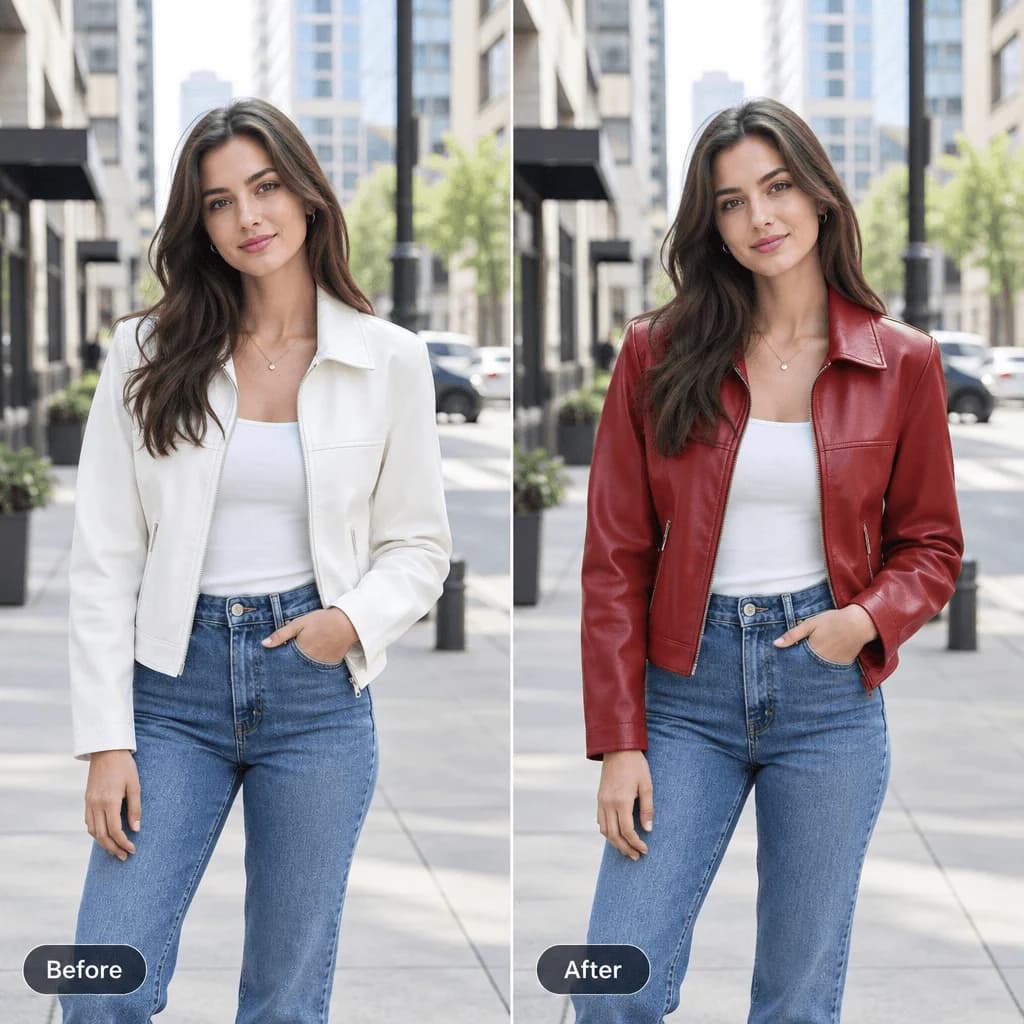
Use a result as your next reference and adjust one detail at a time. Compare each version to check the subject, outfit, and composition before moving on.
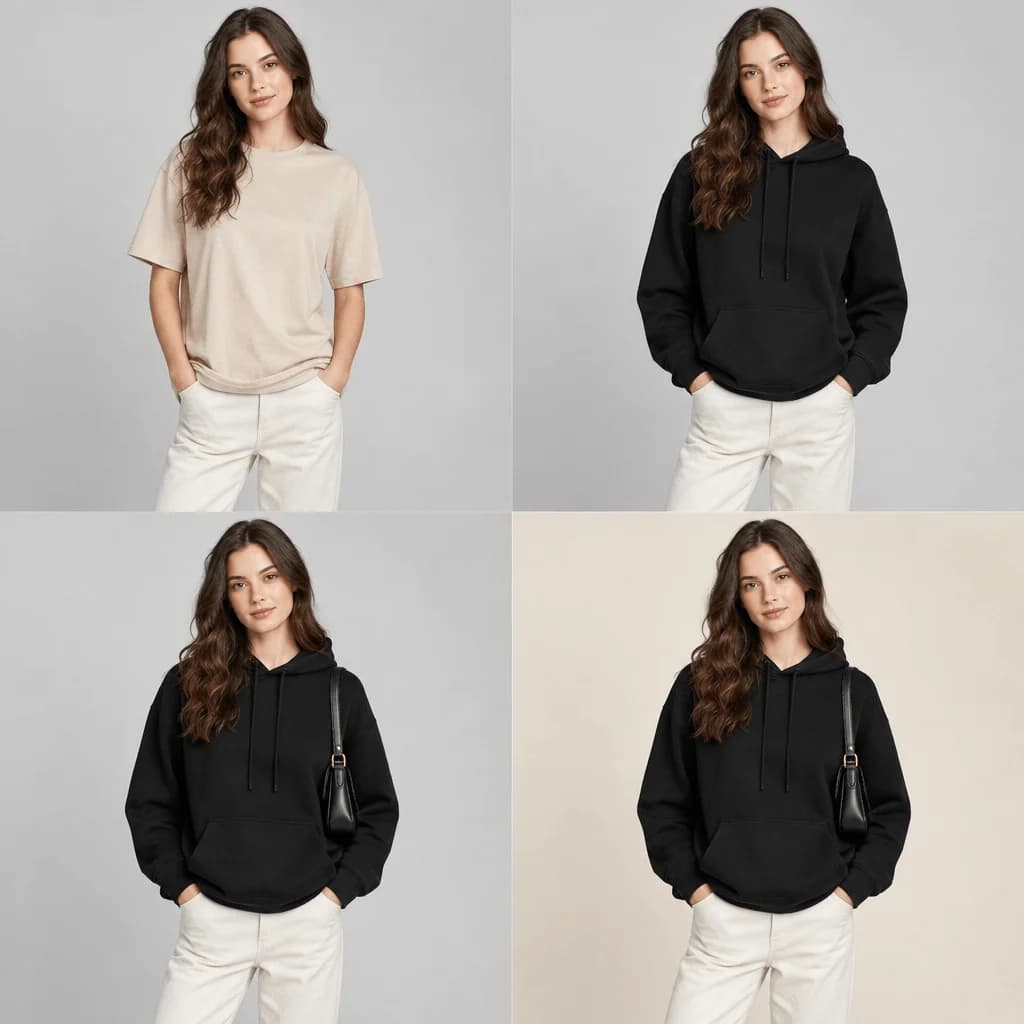
Generate and refine images faster, so creative teams can move through more concepts and revisions in less time.
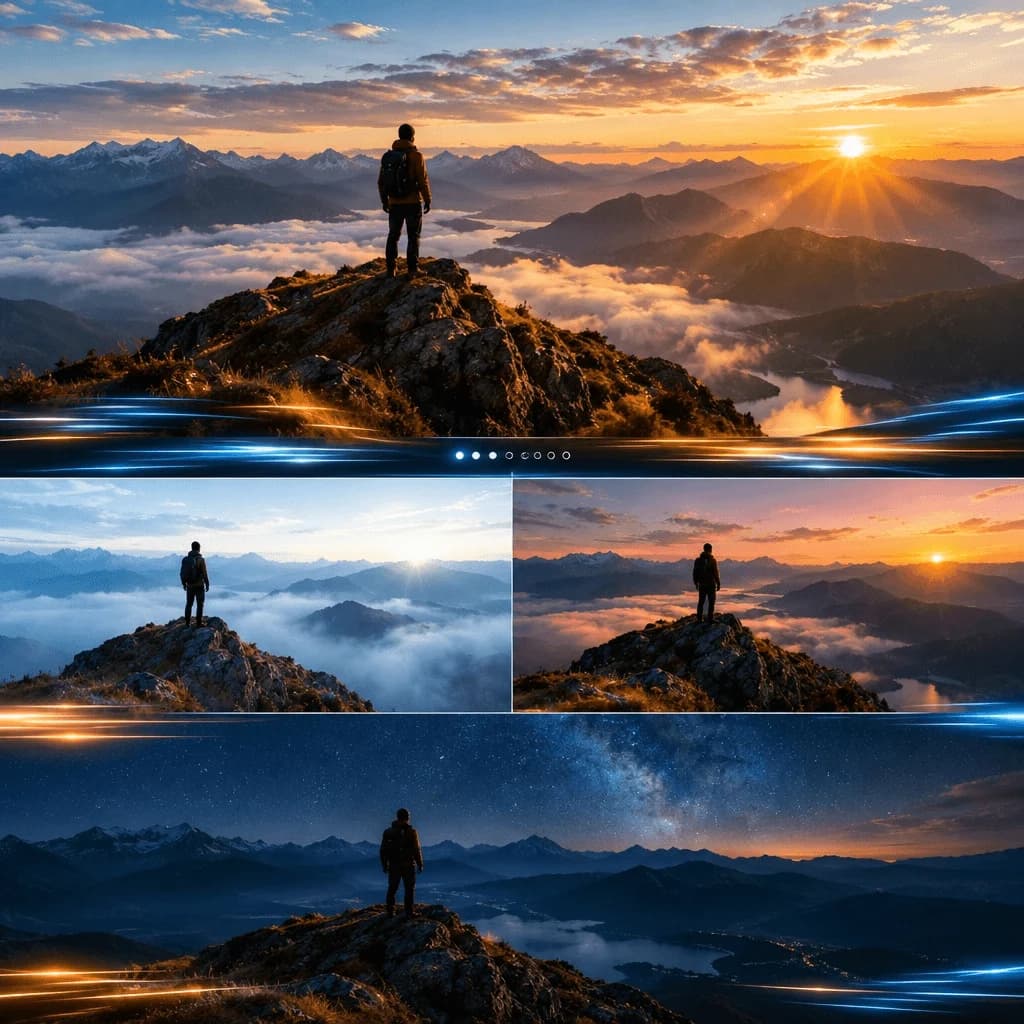
Describe the light source, shadows, and materials you want to see. Use those details to guide portraits, lifestyle scenes, and product concepts toward a coherent visual style.
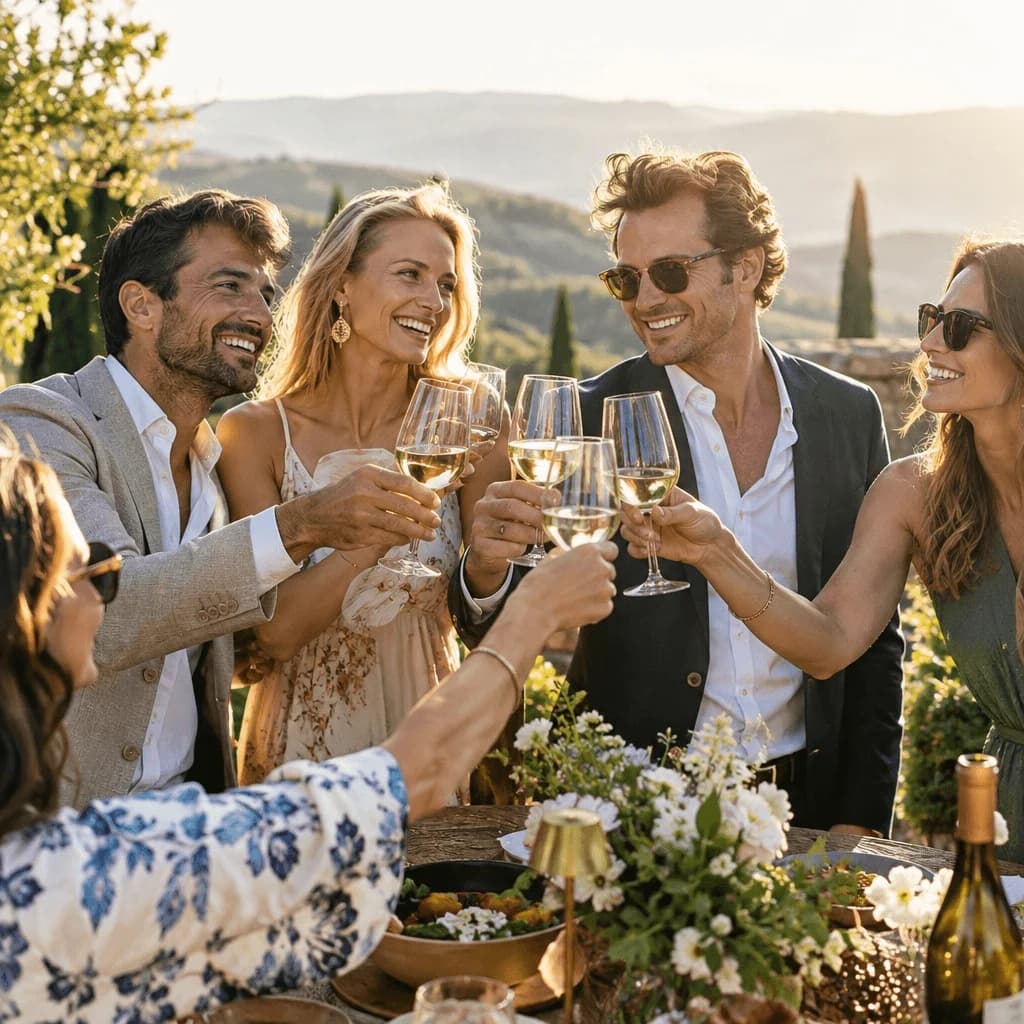
Develop campaign concepts, storyboard frames, and visual references in one place. Select an aspect ratio, choose up to 4K output, and download PNG or JPG files for your next design step.
Application Scenarios
Explore creative directions for Nano Banana 2.5, from advertising posters and product visuals to brand assets, storyboards, and structured layouts. Use these scenarios to plan your prompts and refine your ideas.
Turn Campaign Ideas Into Clear Visuals
Develop promotional posters with a clear headline, a strong focal point, and room for your message. Explore layouts and art directions for a coordinated advertising campaign.
Present Products in Different Settings
Explore studio shots and lifestyle scenes using product references. Pay attention to shape, packaging, surface textures, lighting, and reflections as you refine each composition.
Refine One Detail at a Time
Build on an image by adjusting a background, color, object, or selected area. Use the approved version as a reference and check that the details you want to keep remain consistent.
Develop a Consistent Visual Identity
Plan packaging concepts, promotional graphics, and social assets around a shared palette, typography, and logo placement. Keep the collection visually connected across formats.
Build Characters, Scenes, and Storyboards
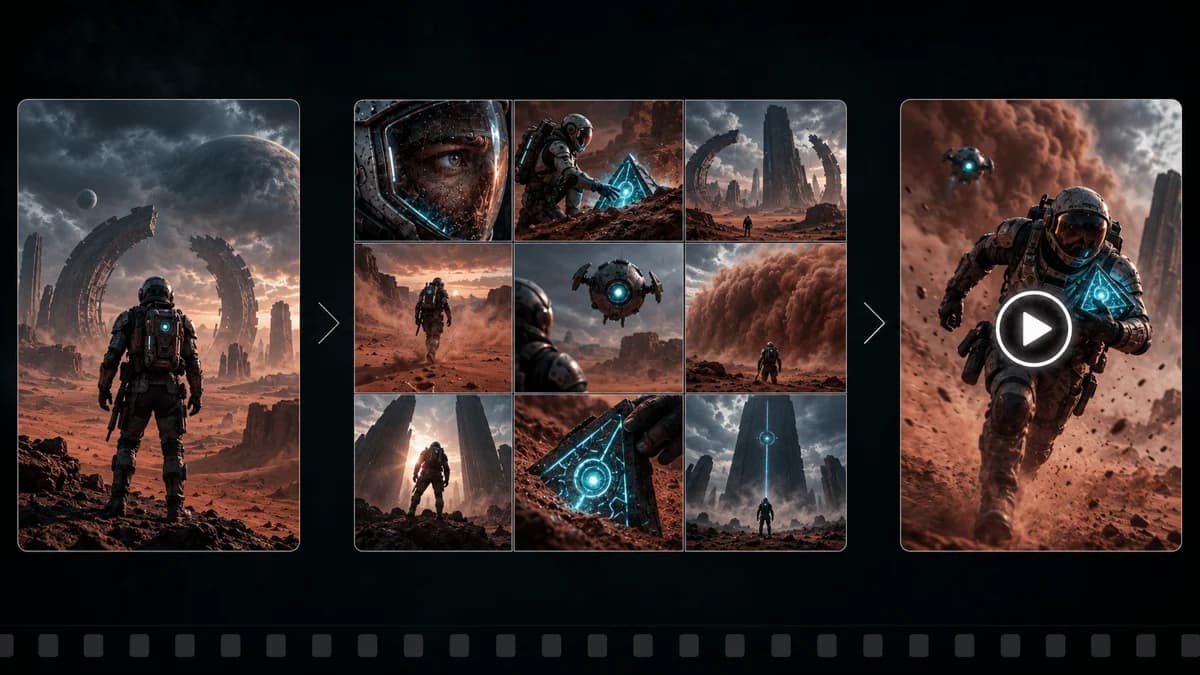
Explore recurring characters, environments, and props across a sequence of images. Try different framing, camera angles, and moods to develop a visual direction for your story.
Explore Layouts With Clear Structure
Sketch interface concepts, presentation slides, and document layouts with organized text, icons, and grids. Review wording, spacing, alignment, and small details before using a design.
Gallery
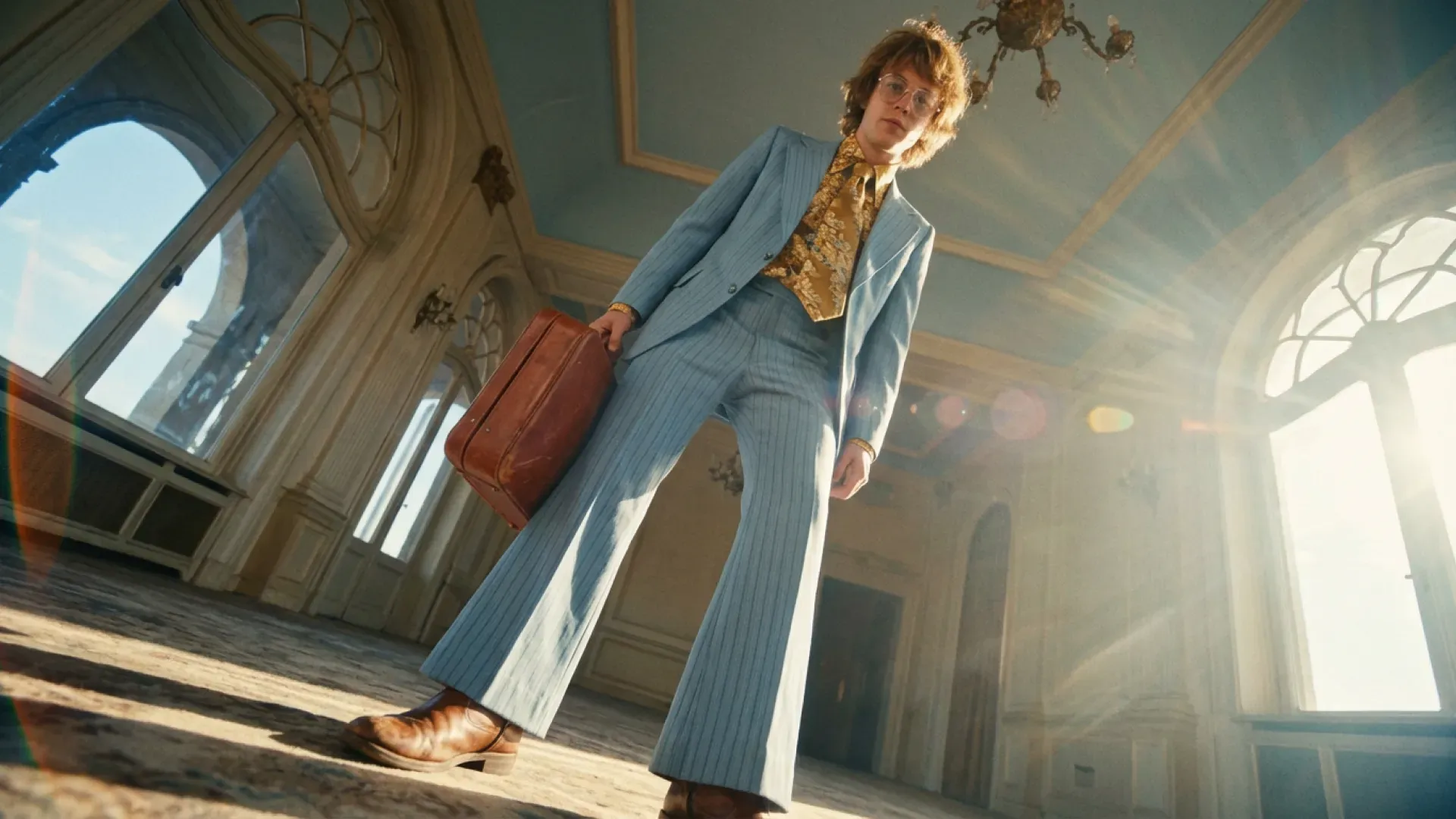
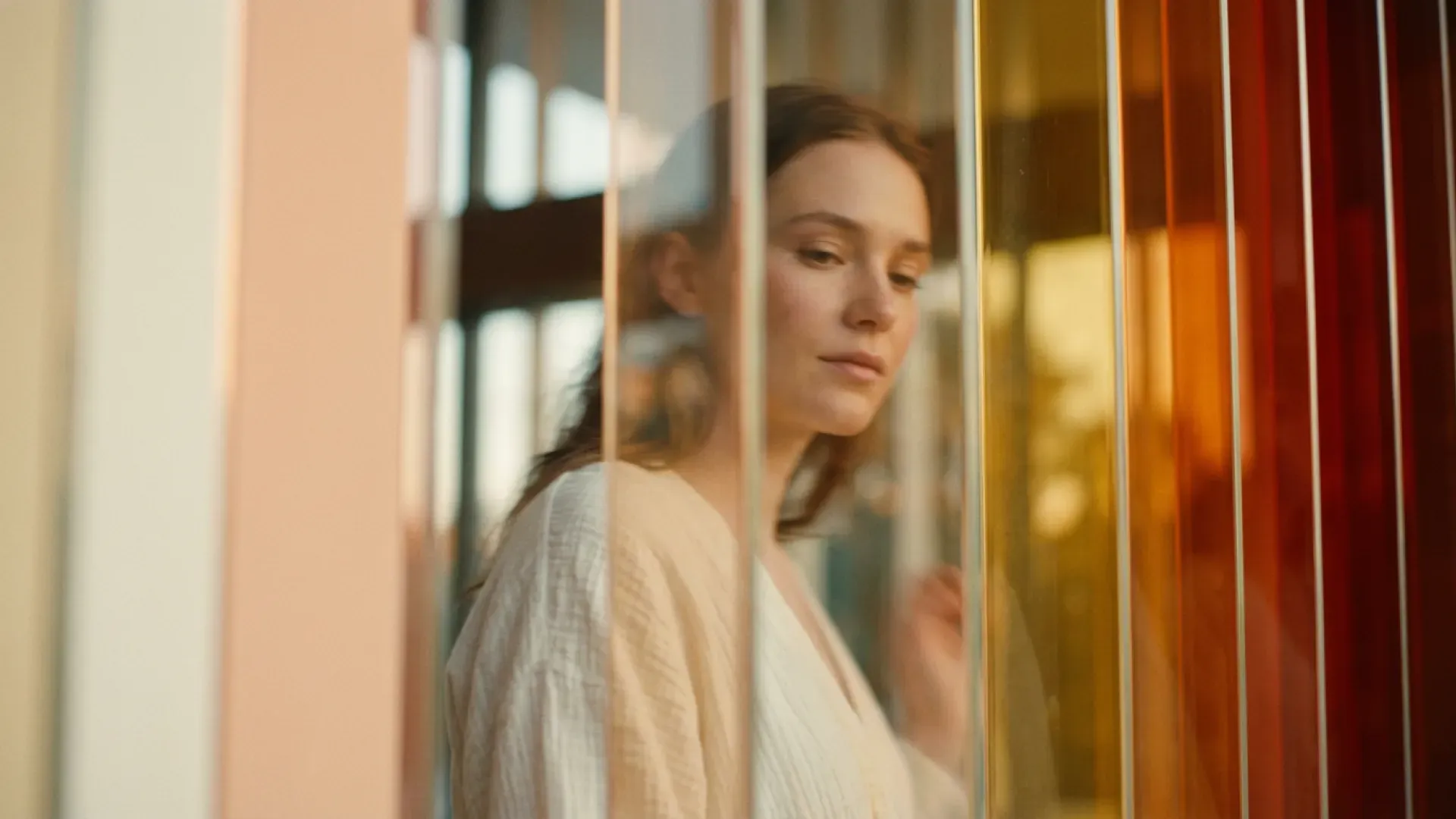
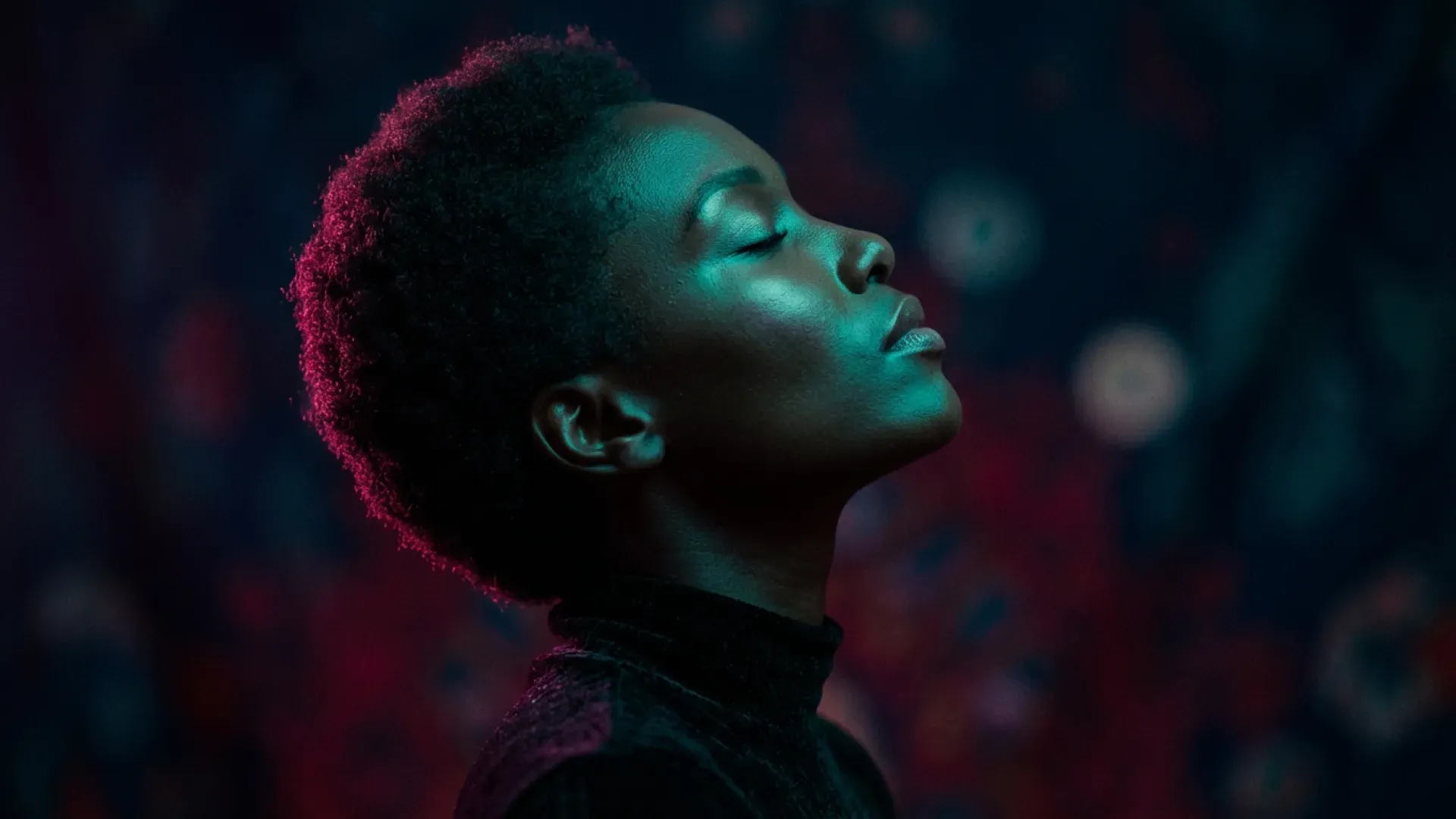
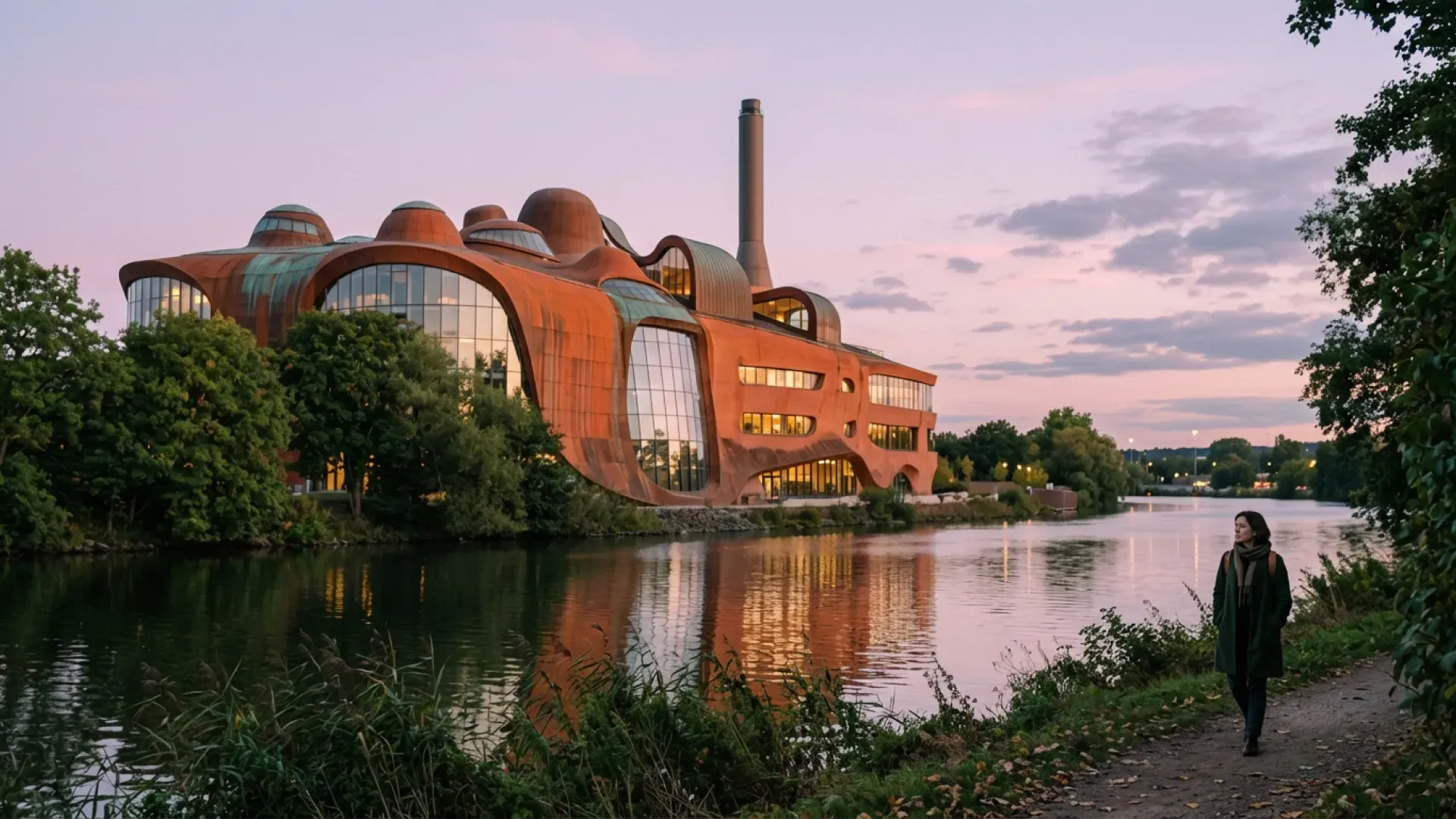
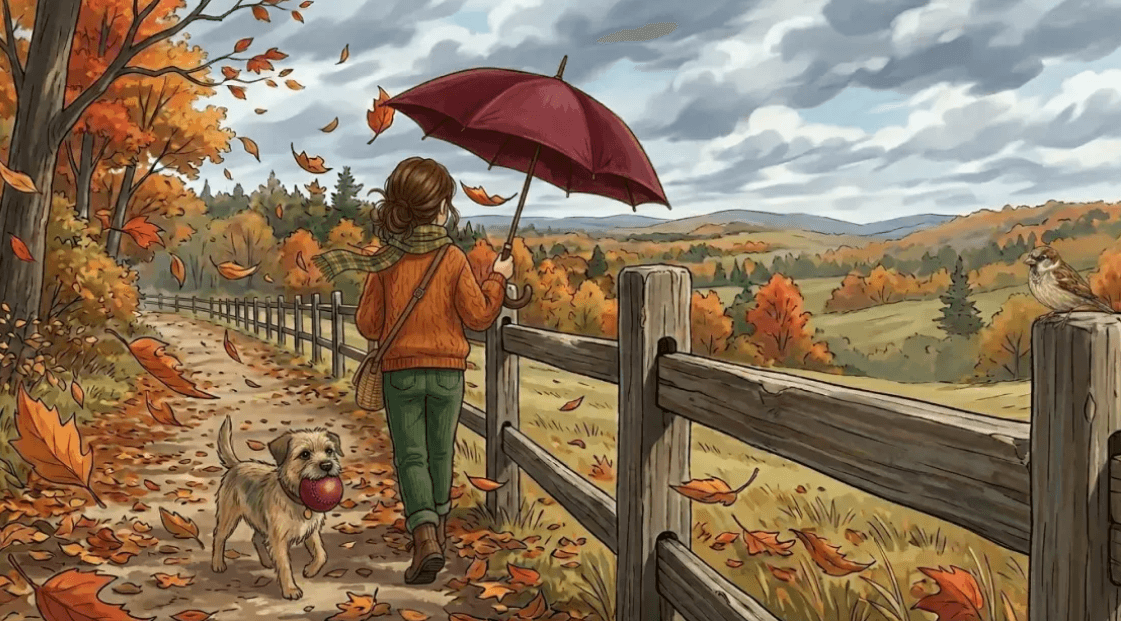
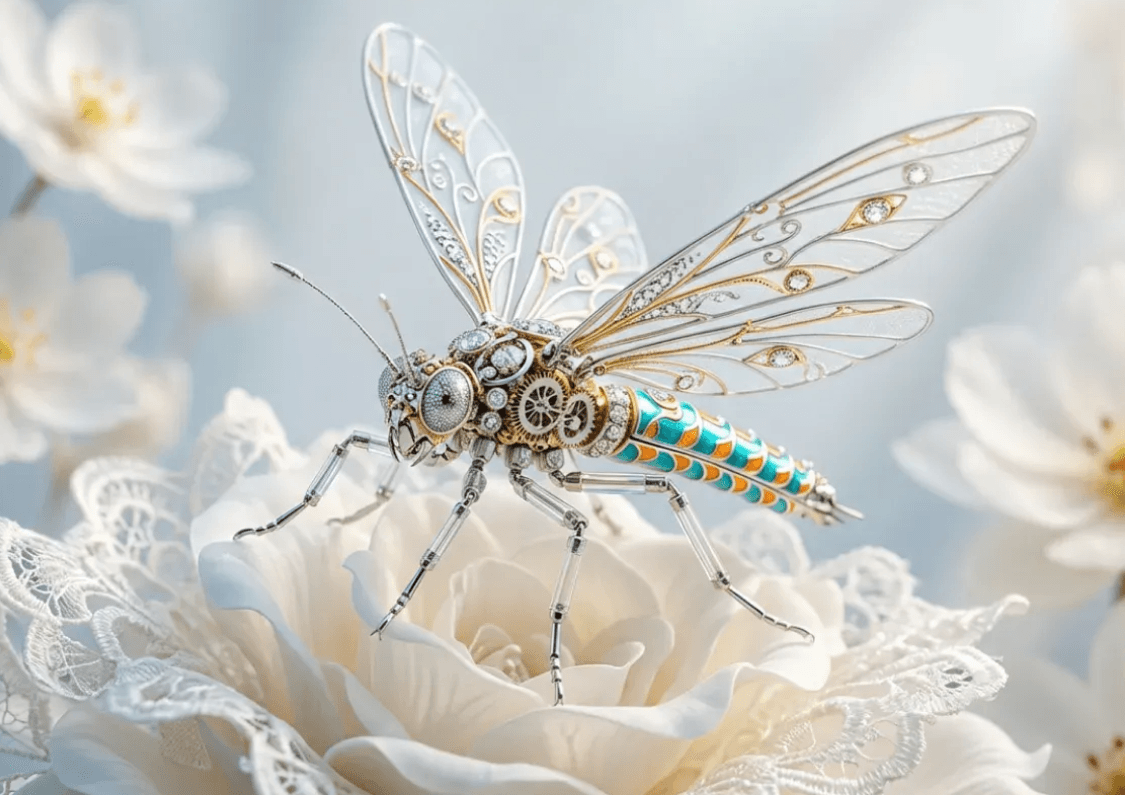
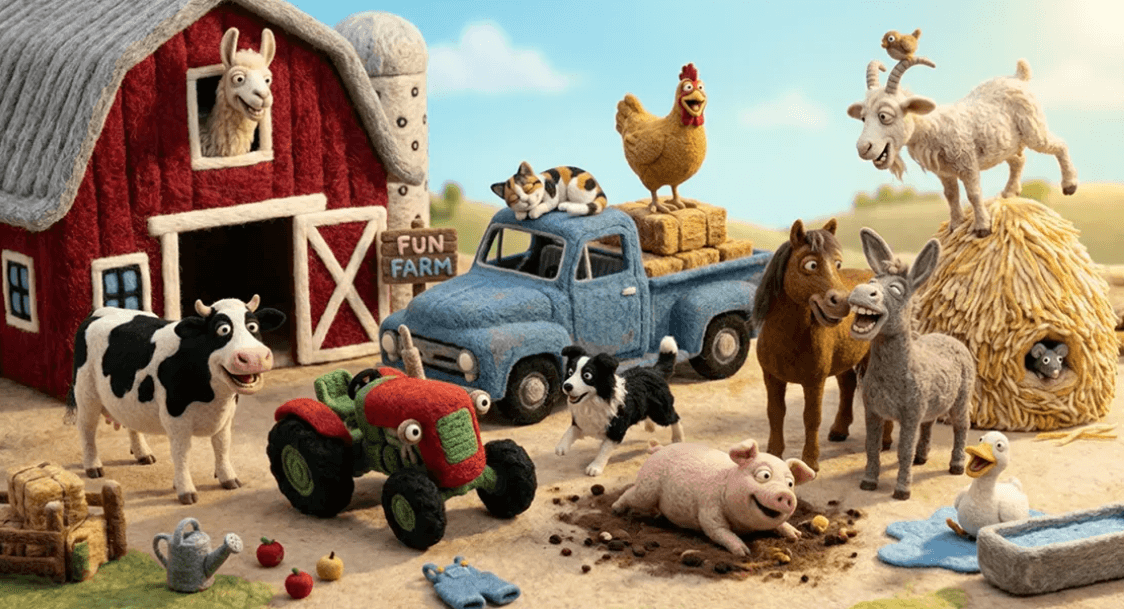
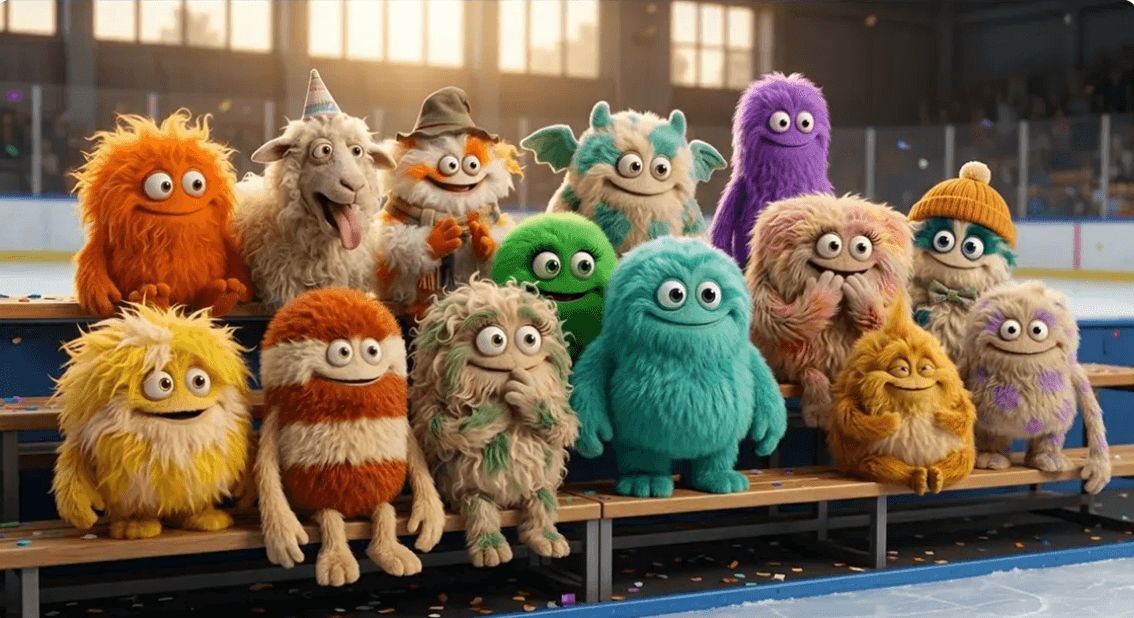
Explore visual inspiration from our Nano Banana 2 gallery, from product concepts to portraits and illustrated scenes.

Key Features
Discover what makes Nano Banana 2.5 one of the most anticipated AI image models. Reportedly appearing in early Arena testing under the codename Spicy Mayo, the model is drawing attention for its potential improvements over Nano Banana 2 in image quality, prompt understanding, visual consistency, and creative control.
Create cleaner, more detailed AI visuals with improved composition, lighting, textures, and overall visual coherence. Early reports suggest Nano Banana 2.5 may deliver a noticeable quality upgrade over Nano Banana 2.
Turn detailed natural-language instructions into visuals with greater accuracy. Nano Banana models are built around Gemini's multimodal understanding, helping them interpret subjects, scenes, relationships, styles, and instructions for each edit rather than relying only on simple keywords.
Keep important visual elements more stable when creating variations or refining an existing image. This can make Nano Banana 2.5 especially useful for character concepts, product imagery, marketing assets, and iterative creative work.
Describe the change you want instead of rebuilding the entire image. Nano Banana's conversational workflow is designed around natural-language creation and refinement, so you can edit images through an ongoing creative conversation.
Handle prompts involving multiple objects, characters, environments, text elements, and spatial instructions with more coherent layouts—an important area to watch as Nano Banana 2.5 testing expands.
Explore ideas, generate alternatives, and refine visual directions without switching between multiple traditional design tools. The goal is a faster workflow from initial concept to polished visual.
Onboarding
Nano Banana 2.5 has not been released and is not available in this editor. You can create and edit images with Nano Banana 2 today. Follow these three steps using the current Nano Banana 2 workflow.
Describe the image you want to create. Include details about the subject, scene, style, lighting, colors, or composition. You can also upload a reference image when available to guide the result.
Click Generate and let Nano Banana 2 transform your prompt into an AI-generated image. Experiment with different prompts and creative directions to find the result that best matches your idea.
Fine-tune your result with additional instructions, adjust the details you want to change, and download your finished image when you're happy with the result.
About
Nano Banana 2.5 is the community name currently associated with a new AI image model reportedly appearing in Arena testing under the codename Spicy Mayo.
The model is widely discussed as a possible successor or upgrade to Google's Nano Banana 2, but that connection has not yet been officially confirmed by Google or Google DeepMind. There is currently no official Nano Banana 2.5 model card, public API identifier, pricing structure, or confirmed release date.
What makes the model particularly interesting is the history behind the Nano Banana name. Google's Nano Banana family has evolved into a powerful set of AI image generators with tools to edit images built around Gemini's multimodal intelligence. The officially released Nano Banana 2, also known as Gemini 3.1 Flash Image, combines high-quality images with fast image edits, improved world knowledge, and production-oriented creative capabilities.
Early community reports suggest the suspected Nano Banana 2.5 model may represent another step forward from Nano Banana 2. However, these observations remain preliminary, and there are not yet enough controlled benchmarks to make definitive performance claims.
For creators, designers, marketers, and AI enthusiasts, Nano Banana 2.5 is therefore best viewed as an emerging AI image model worth watching, rather than a fully documented Google product.
Find Your Workflow
Different projects need different workflows. Whether you're starting from an idea, transforming an existing photo, or developing a consistent visual series, choose the workflow that matches your creative goal.
Start From an Idea
Best for creating completely new visuals from a written prompt.
Use it for:
Best when: You know what you want to create but don't already have a source image.
Transform an Existing Visual
Use an existing image as your starting point and describe the new direction.
Great for changing:
Best when: You already have the basic subject or composition you want to preserve.
Change Only What You Need
Make targeted edits using natural-language instructions instead of recreating the whole visual.
Remove unwanted objects, replace backgrounds, adjust colors, restyle individual elements, or introduce new details while keeping the rest of the image intact.
Best when: Your image is already close to finished.
Keep a Consistent Visual Direction
Use reference imagery to guide subject appearance, product identity, style, or overall creative direction.
Best when: You're creating multiple related assets for a campaign, character, product, or brand.
Pricing & Credits
All plans include HD image downloads and access to the AI image generator.
Answers
Nano Banana 2.5 is the community name for an anticipated AI image model discussed as a possible successor to Google's Nano Banana 2. Expected advances include more detailed images, clearer text rendering, stronger character consistency, and more precise natural-language editing. These capabilities would support product photography, posters, character design, and visual storytelling. Google has not yet confirmed the model's identity or final capabilities.
Explore advertising posters, product visuals, brand assets, character concepts, storyboards, and interface mockups. Start with a clear creative brief, then refine the composition, colors, and details for your intended use.
Describe the subject, what it is doing, and where it appears. Add the visual style, lighting, camera angle, and composition you want. For example: a ceramic coffee cup on a wooden table, soft morning window light, close-up product photograph, with empty space on the left for a headline.
Use a clear reference to show the subject, composition, or visual style you want to work from. Explain which details should stay the same and which should change, such as keeping the product shape while replacing its background.
Name the object or area you want to change and describe the replacement clearly. Include a preservation instruction, such as: change only the jacket from blue to green; keep the face, pose, background, and lighting unchanged. Review the surrounding details after each edit.
Start with a clear character reference and reuse the same description of facial features, hairstyle, clothing, and proportions. Change the setting or pose one step at a time, and compare each result with the reference before continuing.
Use a sharp product reference and specify the scene, camera angle, background, and lighting. Identify the packaging, logo, colors, and proportions that need to stay recognizable. Check labels and small details before using the result in a listing or campaign.
Work from your latest approved image and request one focused change at a time. State what should remain unchanged, review the result, and keep a copy of each useful version so you can return to an earlier direction.
Specify where the light comes from, how soft or direct it should be, and the mood of the scene. Describe materials concretely, such as brushed metal, matte paper, clear glass, or woven fabric, and check that shadows and reflections match the lighting.
Put the exact wording in quotation marks and specify its placement, relative size, and contrast with the background. Keep essential text short and leave enough space around it. Review spelling, punctuation, and legibility in the generated image before publishing.
Use a shared brief with the same color palette, visual style, typography direction, and logo placement. Adapt the composition for each format while keeping those core choices consistent. Compare the images together to spot changes in color, scale, or identity.
Inspect the image at full size for unwanted objects, distorted details, text errors, and inconsistent shadows. Check the crop and dimensions for your intended placement, then download your selected result using the options available in the editor.