Nano Banana Pro
Nano Banana Pro is your AI studio for text-to-image generation and smart editing. Turn ideas into polished visuals, refine details, and keep characters consistent across every scene with Nano Banana Pro.
Prompt Engine
Transform your image with AI-powered editing.
Prompt is required. Image upload is optional but helps guide Nano Banana Pro.
Drop an image here or click to upload (optional)
JPEG, PNG, or WebP • Up to 10 images
Output Gallery
Your ultra-fast AI creations appear here instantly
Gallery
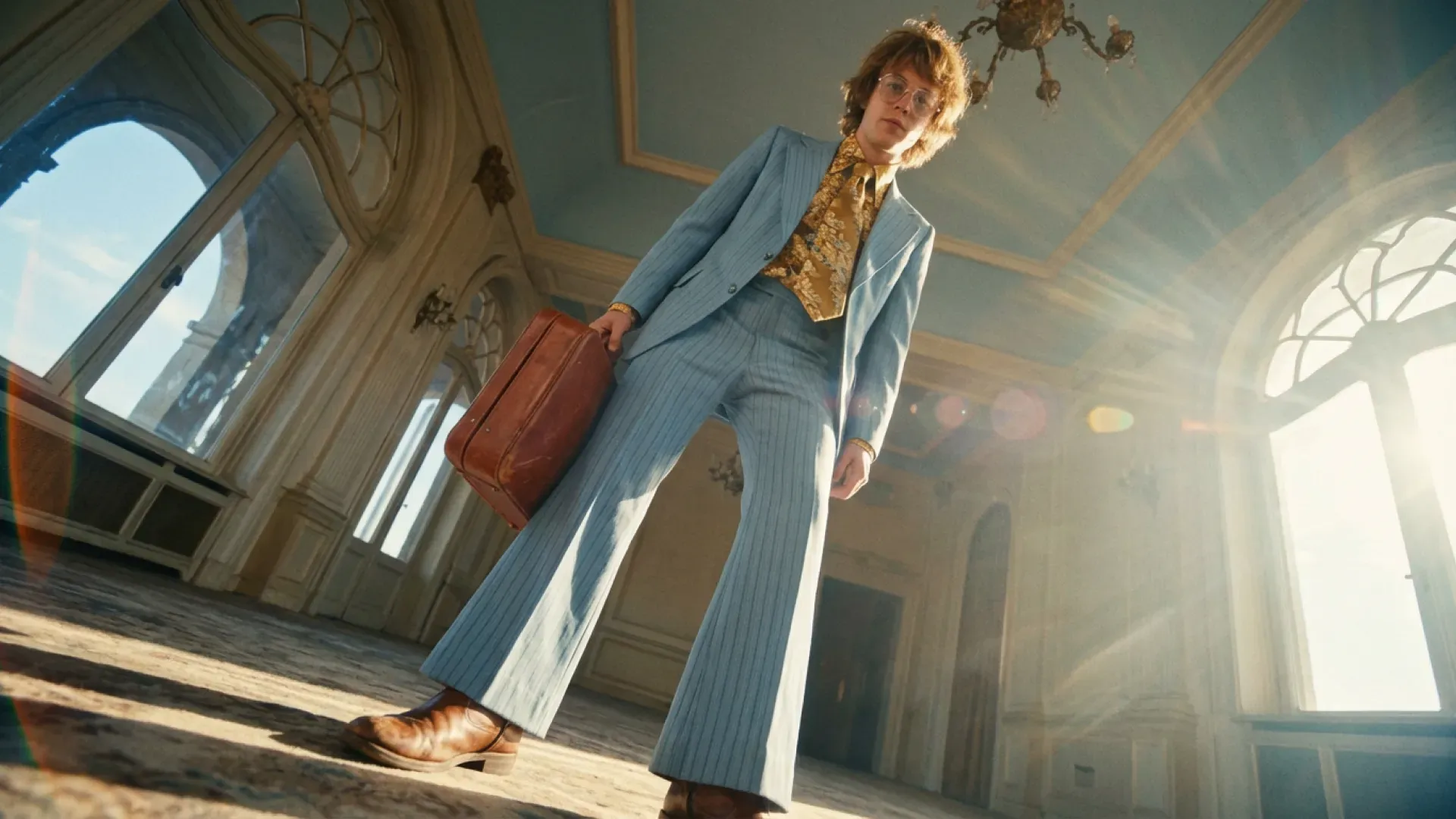
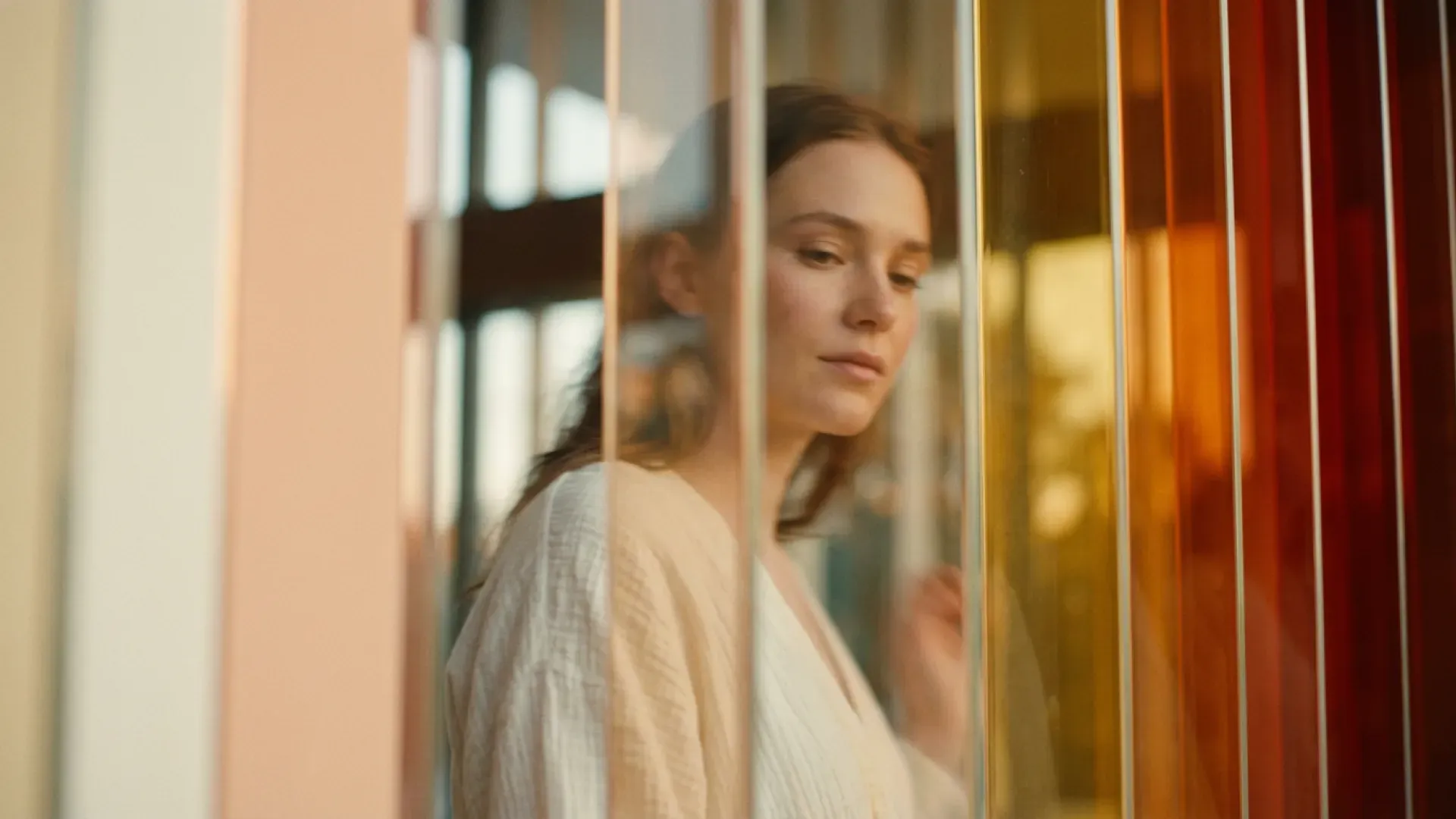
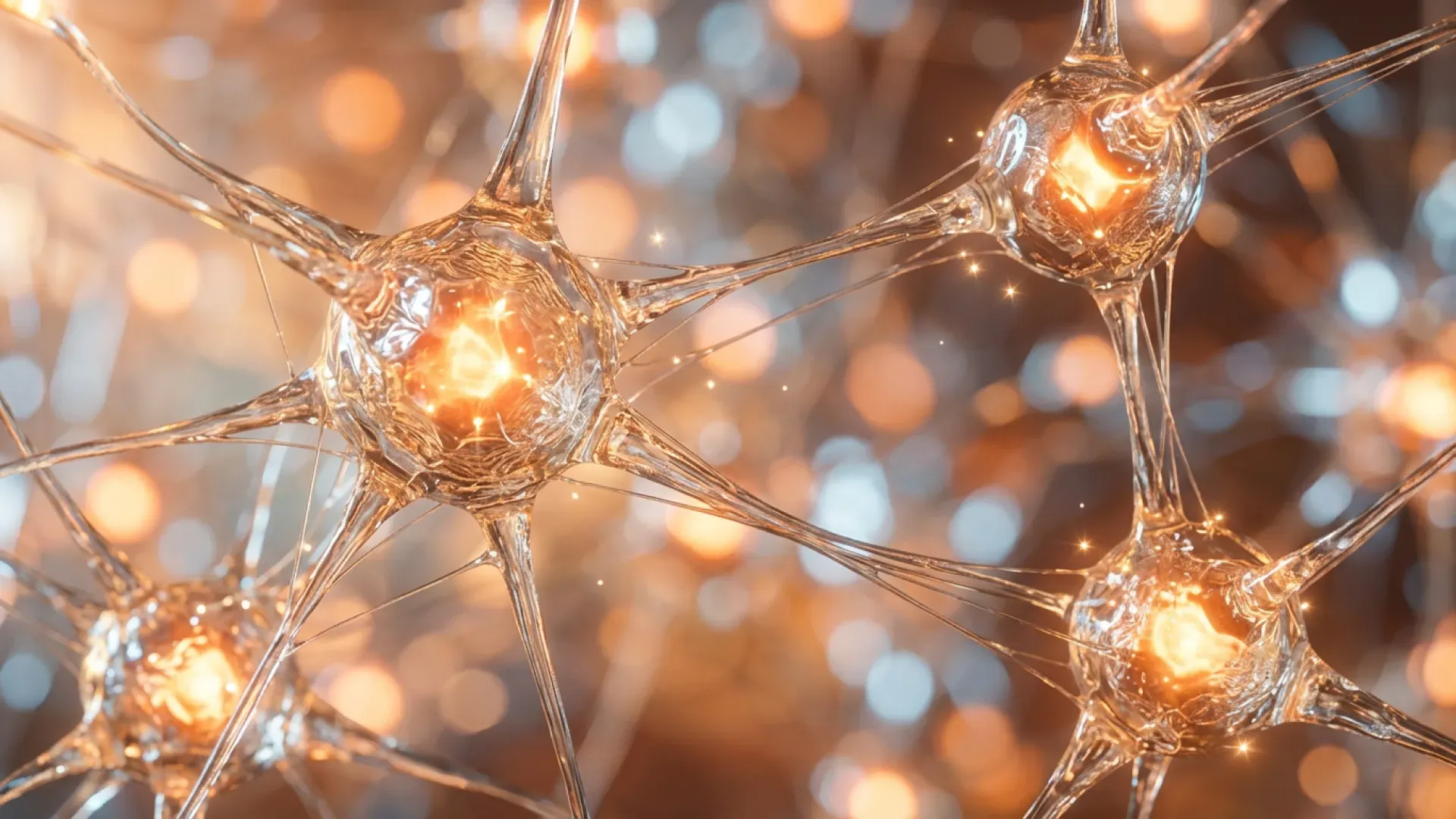
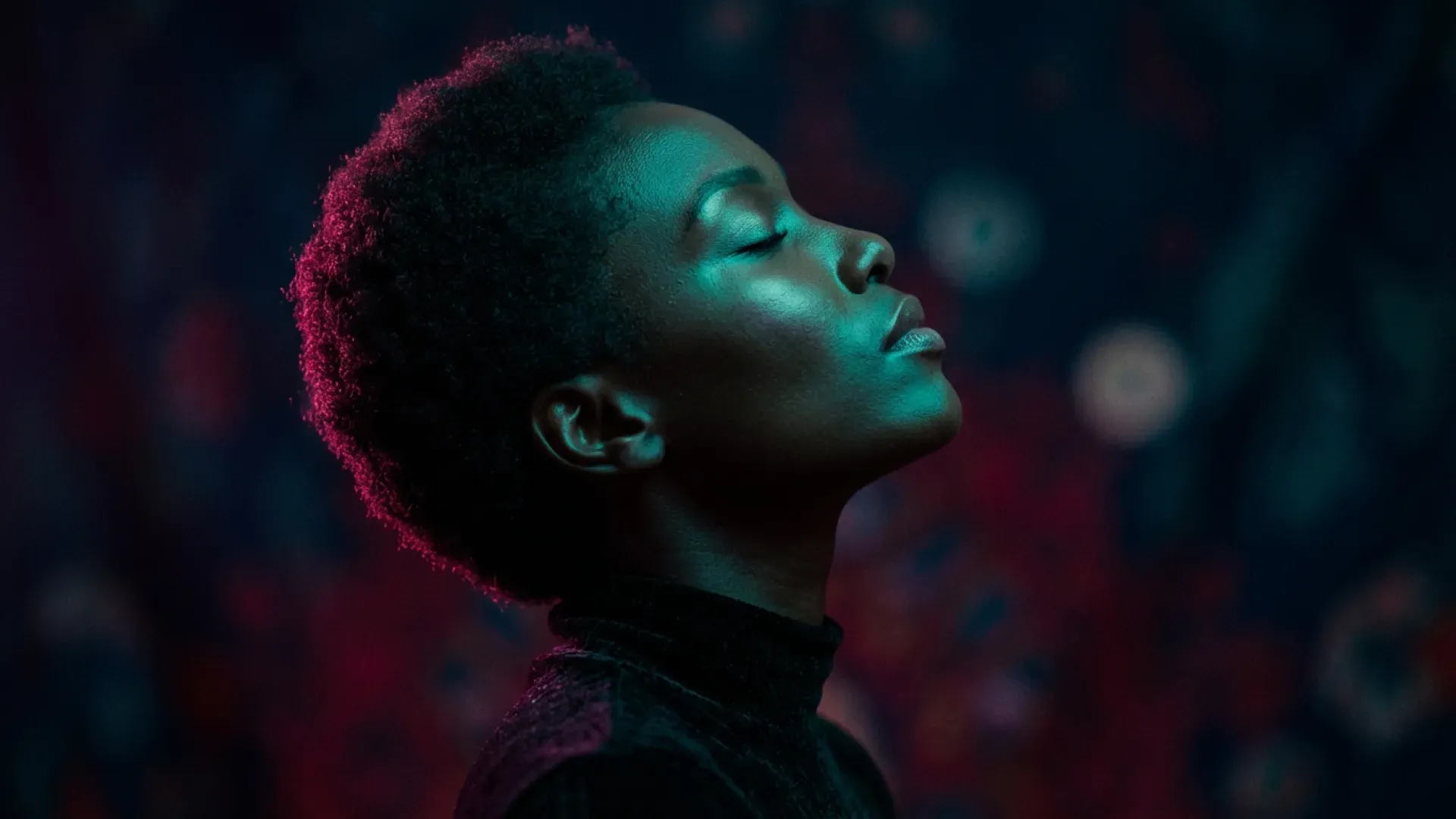
Show Case for Nano Banana Pro
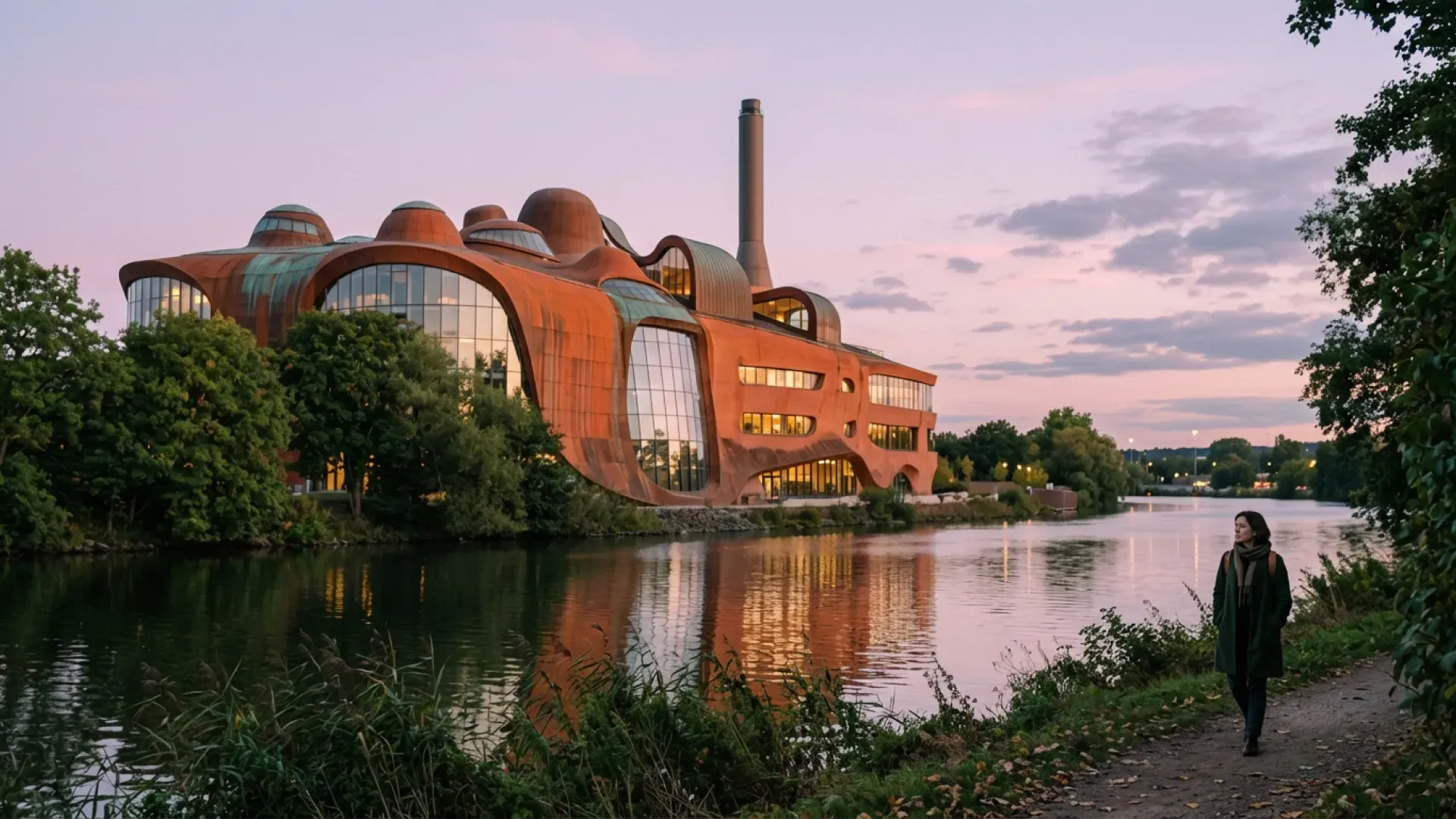
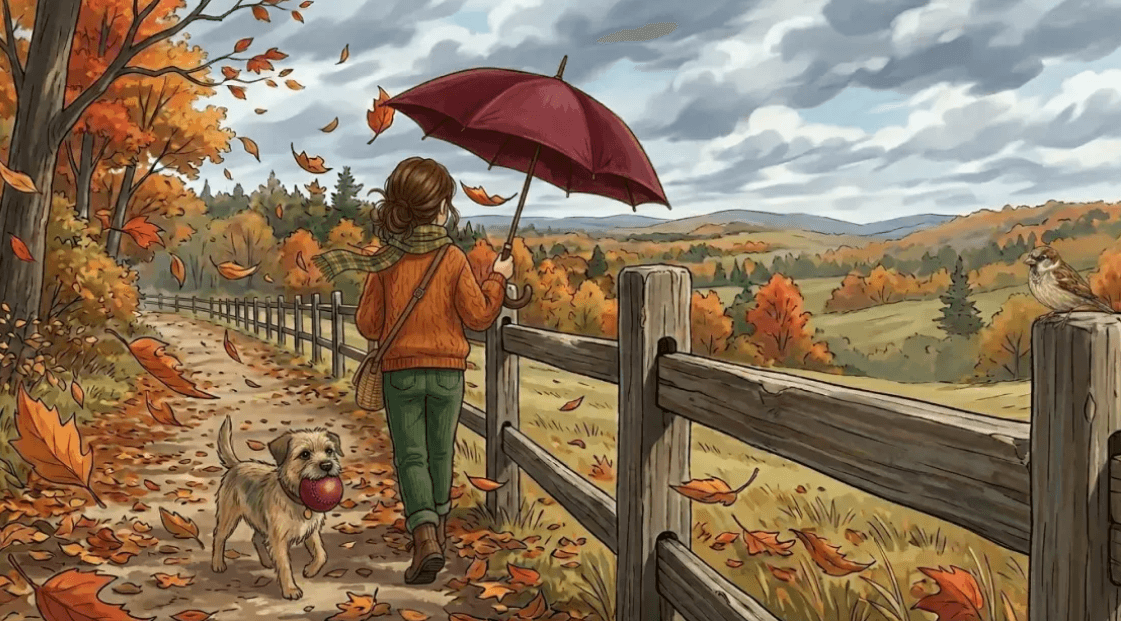
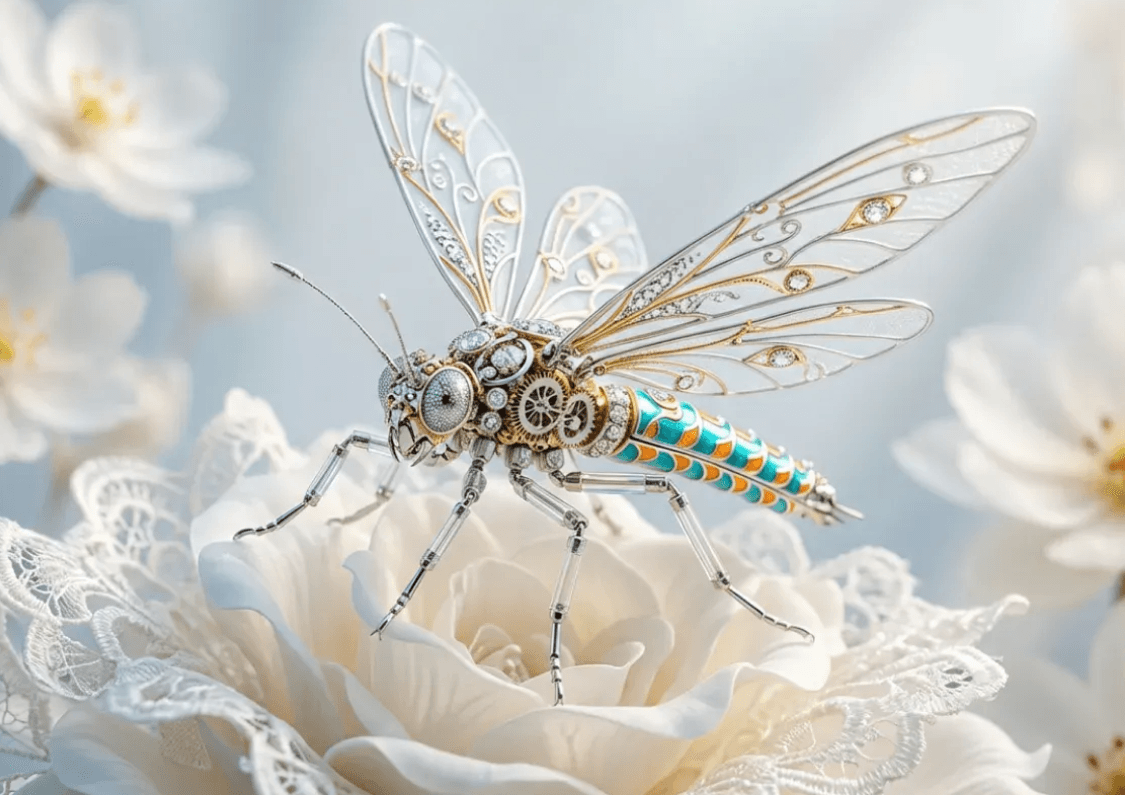
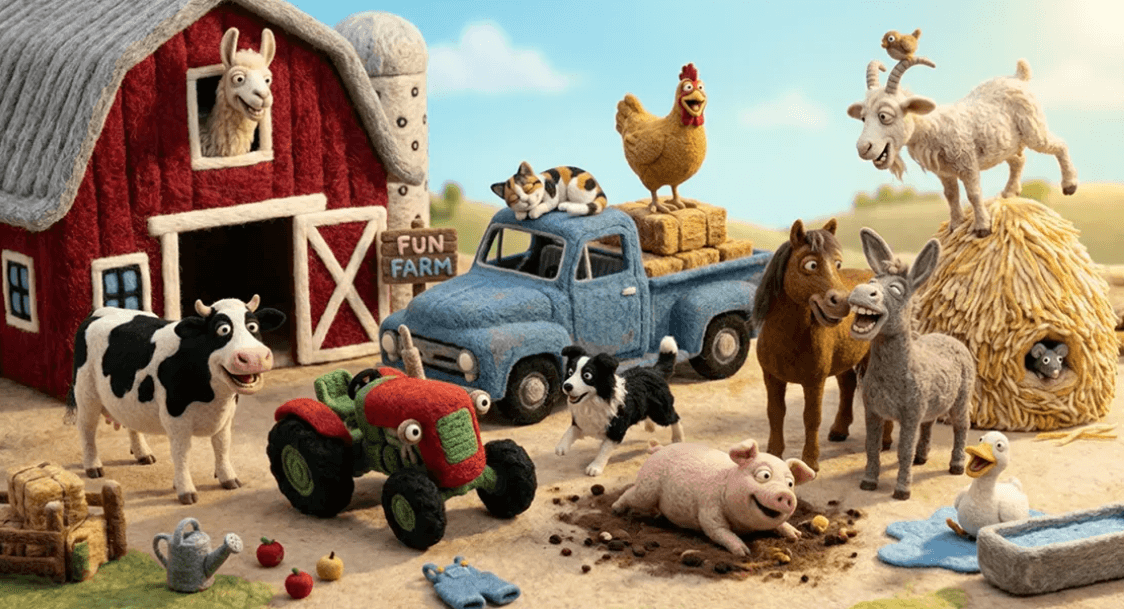
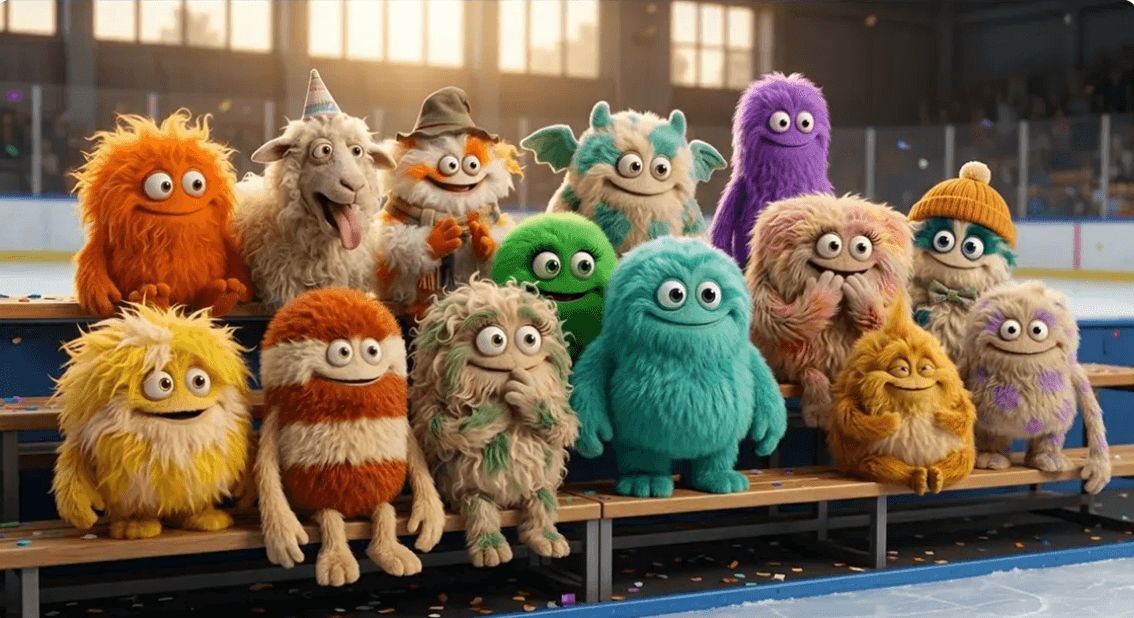
Explore creative directions for Nano Banana Pro, from product photography and advertising concepts to character portraits and detailed visual compositions. Find inspiration for your next prompt, reference image, or editing workflow.
Key Features
Create and Refine Images With Nano Banana Pro
Start with a written idea or an existing image, then shape the result through detailed creative instructions. Explore different compositions, materials, lighting, and styles as you develop your visual direction.
Text-to-Image Creation
Describe your subject, setting, and preferred style to build an image from an idea. Add details about framing, color, and lighting to give your prompt a clear creative direction.
Reference-Based Image Editing
Use an existing image as your starting point. Describe the changes you want to make, such as a different background, updated clothing, or a new visual style, while identifying the details you want to preserve.
Detailed Composition
Plan how subjects and objects should appear together. Specify their positions, relative sizes, viewing angles, and surrounding space to guide more structured scenes and layouts.
Lighting and Material Direction
Explore how soft daylight, studio lighting, or dramatic shadows change the appearance of a scene. Describe surfaces such as glass, fabric, wood, and metal to guide texture and reflections.
Text and Layout Exploration
Develop concepts for posters, packaging, and promotional graphics. Include short, exact wording and describe its placement, then review the result for spelling, readability, and visual balance.
Iterative Refinement
Build on a promising result with focused follow-up changes. Adjust one part of the image at a time and compare versions to keep your project moving toward a consistent final direction.
About
What Is Nano Banana Pro?
Nano Banana Pro is an AI image generation and editing tool for turning written ideas and image references into visual concepts. It supports workflows that begin with a text prompt or an existing image, giving creators different ways to develop and refine their work.
Use Nano Banana Pro to explore product scenes, advertising visuals, character concepts, brand assets, and other image-based projects. A detailed prompt helps define the subject, composition, lighting, materials, and visual style you want to achieve.
For more involved projects, work through several focused revisions. Keep useful versions, explain what should remain unchanged, and review fine details before choosing your final image.
Workflows
Which Nano Banana Pro Workflow Fits Your Project?
Choose your starting point based on what you already have and what you want to create.
Text to Image
Start With a Creative Brief
Describe a new image using natural language. Include the main subject, environment, composition, and visual style to establish a clear direction.
Best for: Original concepts, illustrations, campaign ideas, and scenes without an existing reference.
Image to Image
Build From an Existing Visual
Upload a reference and explain how you want to transform it. Explore new settings, styles, colors, and treatments while using the original image to guide the result.
Best for: Product presentation, visual restyling, reference-based concepts, and alternative compositions.
Focused Image Editing
Refine Specific Details
Identify the area or element you want to change and describe the desired adjustment. Include instructions about the surrounding details you want to keep.
Best for: Background changes, clothing adjustments, color variations, and incremental revisions.
How It Works
How to Use Nano Banana Pro in 3 Steps
1. Describe Your Idea
Enter a prompt that explains what you want to create. Include the subject, setting, style, and important details. Upload a reference image when your project needs a visual starting point.
2. Generate and Review
Check the available settings and displayed credit cost, then generate your image. Review the composition, subject details, lighting, and any text against your original brief.
3. Refine and Download
Make focused adjustments to improve the result. Once you are satisfied, download your selected image and check that its dimensions and crop suit your intended use.
Application Scenarios
Best Use Cases for Nano Banana Pro
Explore practical ways to use Nano Banana Pro across design, marketing, and visual storytelling.
Advertising Posters
Develop a Clear Campaign Direction
Explore promotional visuals with a strong focal point, room for a headline, and a balanced layout. Try different concepts while keeping the campaign’s message and visual identity consistent.
Product Visuals
Show Products in New Settings
Develop studio-style compositions and lifestyle scenes from product references. Guide the lighting, background, and camera angle, then review packaging, proportions, and material details.
Brand Assets
Build a Coordinated Visual Collection
Plan social graphics, packaging concepts, and promotional imagery around a shared palette and style. Use consistent references and instructions to connect the assets across different formats.
Character Concepts
Explore a Recognizable Visual Identity
Develop character ideas through different outfits, expressions, and environments. Reuse a clear reference and a consistent description of the character’s defining features.
Storyboards and Scene Planning
Turn a Story Into Visual Directions
Explore characters, settings, props, and camera angles before production. Build a sequence of images to communicate the atmosphere, action, and composition of each scene.
Presentation and Editorial Graphics
Organize Ideas Into Visual Layouts
Create concepts for presentation covers, article illustrations, and information graphics. Define the hierarchy, spacing, and placement of key elements, then review text and details before use.
Pricing & Credits
Nano Banana Pro Pricing Plans
Choose a credit package for your image generation and editing workflow. Check the credit cost shown in the editor before each generation. Purchased credits never expire.
Starter
- 100 Credits
- HD image download
- AI image generator access
- Credits never expire
- Secure payments
- Email support
Pro
- 350 Credits
- HD image download
- AI image generator access
- Credits never expire
- Secure payments
- Email support
Ultimate
- 720 Credits
- HD image download
- AI image generator access
- Credits never expire
- Secure payments
- Email support
Answers
Nano Banana Pro FAQ
What can I create with Nano Banana Pro?
You can explore product visuals, advertising concepts, portraits, character designs, brand assets, and storyboard images. Start with a text prompt or an image reference, then refine the result to match your creative brief.
How do I write a useful prompt?
Describe the main subject first, followed by the setting, composition, lighting, and style. Add specific details that matter to the project and avoid instructions that contradict one another.
Can I use an existing image as a reference?
Yes. Use the image-to-image workflow to upload a reference and describe the changes you want. Explain which elements should stay recognizable, such as the subject’s appearance, product shape, or overall composition.
How do I request a small change?
Name the element you want to adjust and describe the new appearance. For example: “Change the jacket to dark green. Keep the face, pose, background, and lighting unchanged.” Review the result before requesting another edit.
How can I improve consistency across images?
Reuse the same reference and key descriptive details. Keep the visual style, palette, and subject description consistent, and change one major variable at a time.
Can I include text in an image?
Include the exact wording in quotation marks and describe where it should appear. Short text and clear placement instructions are easier to review. Check every word in the result before publishing.
How are credits calculated?
The required credits depend on the model and settings selected in the editor. Review the displayed cost before generating an image.
Do purchased credits expire?
Credits purchased through the displayed packages never expire, so you can use them across different projects over time.
What should I check before using an image?
Review the image at full size for text errors, distorted details, unwanted changes, and inconsistent shadows. Check the dimensions, crop, and any brand or product details required for your project.